Start free, or choose a licence. Every product links to its features, requirements and downloads.
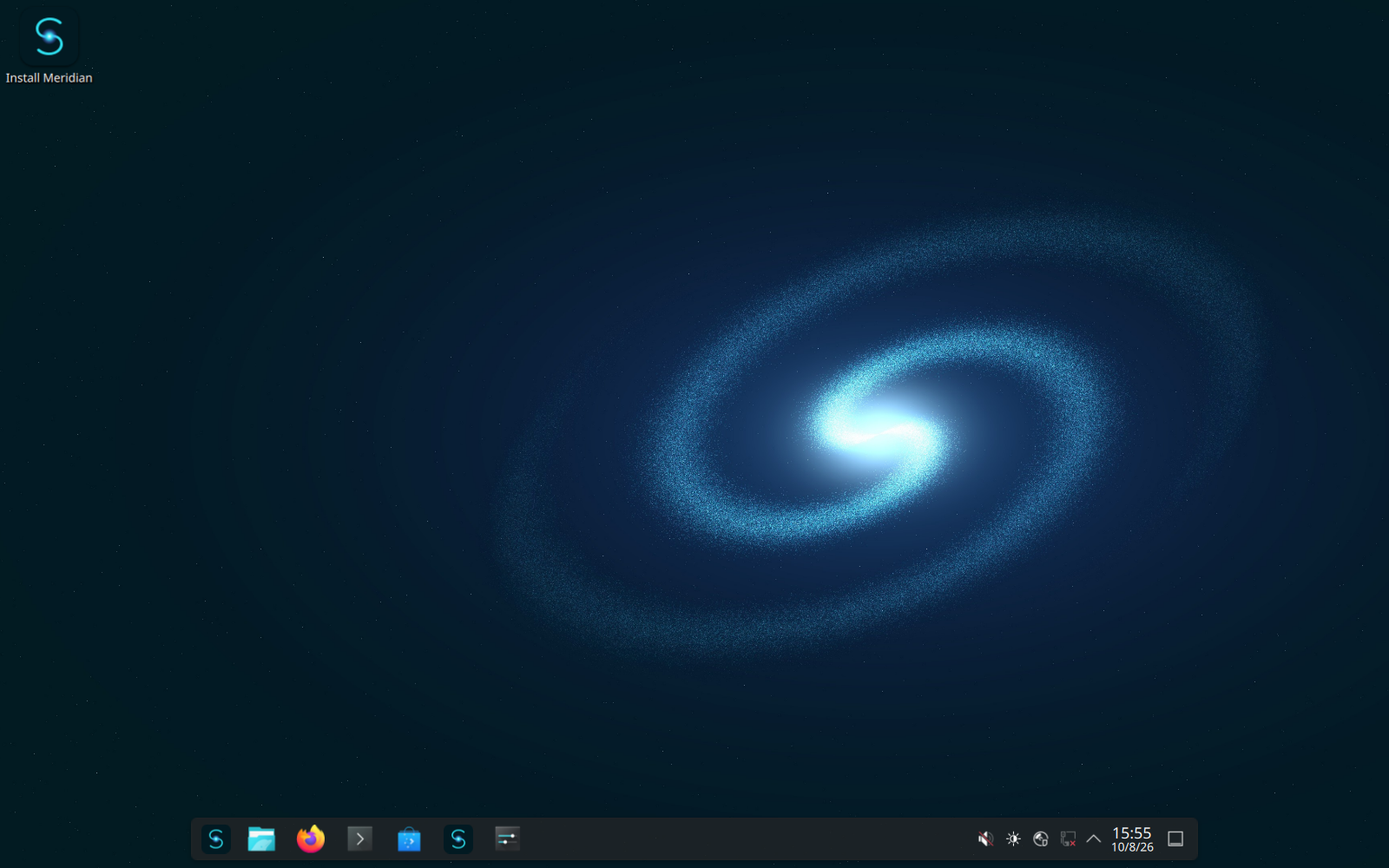
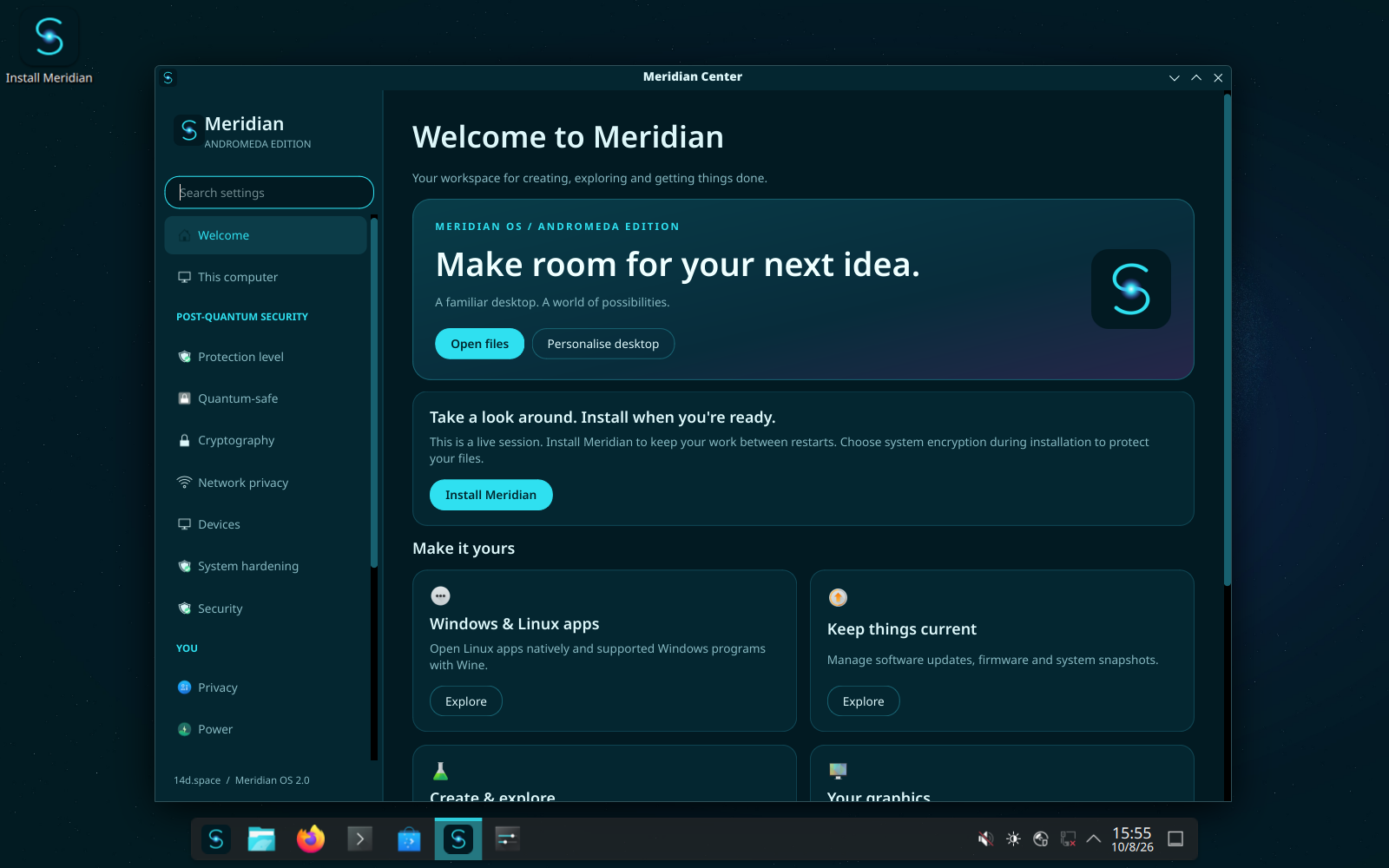
YOUR WORKSTATION◎Meridian OS
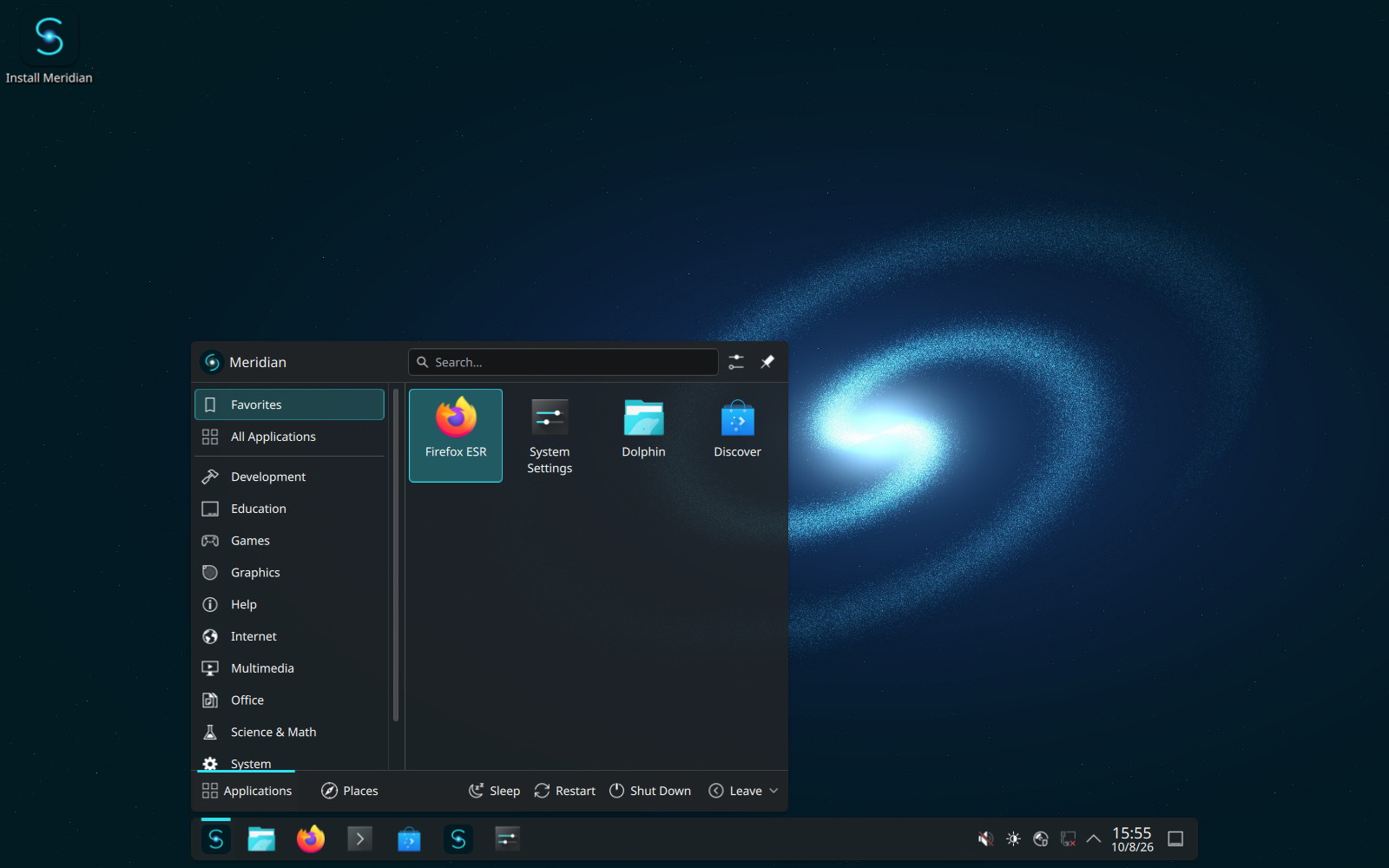
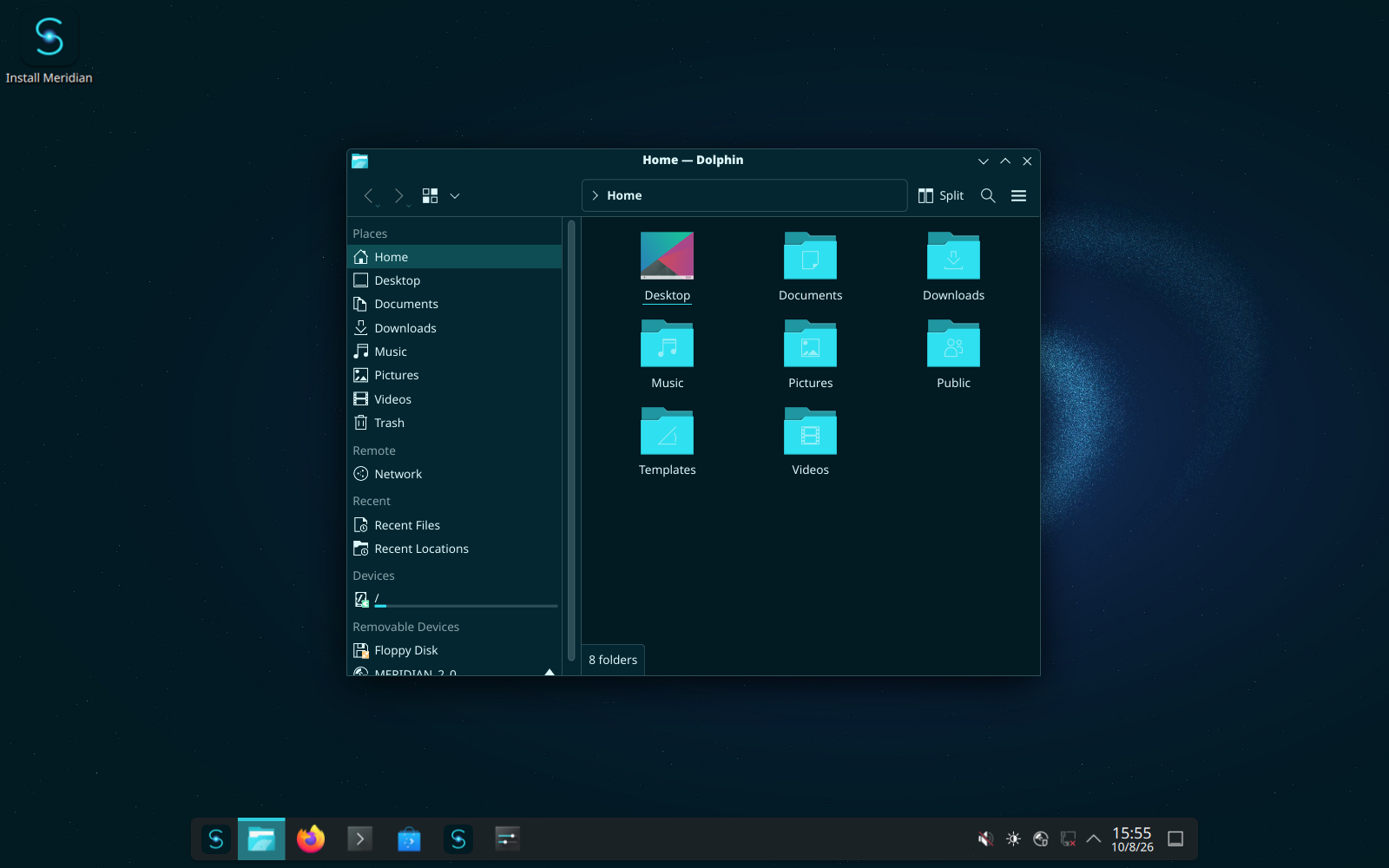
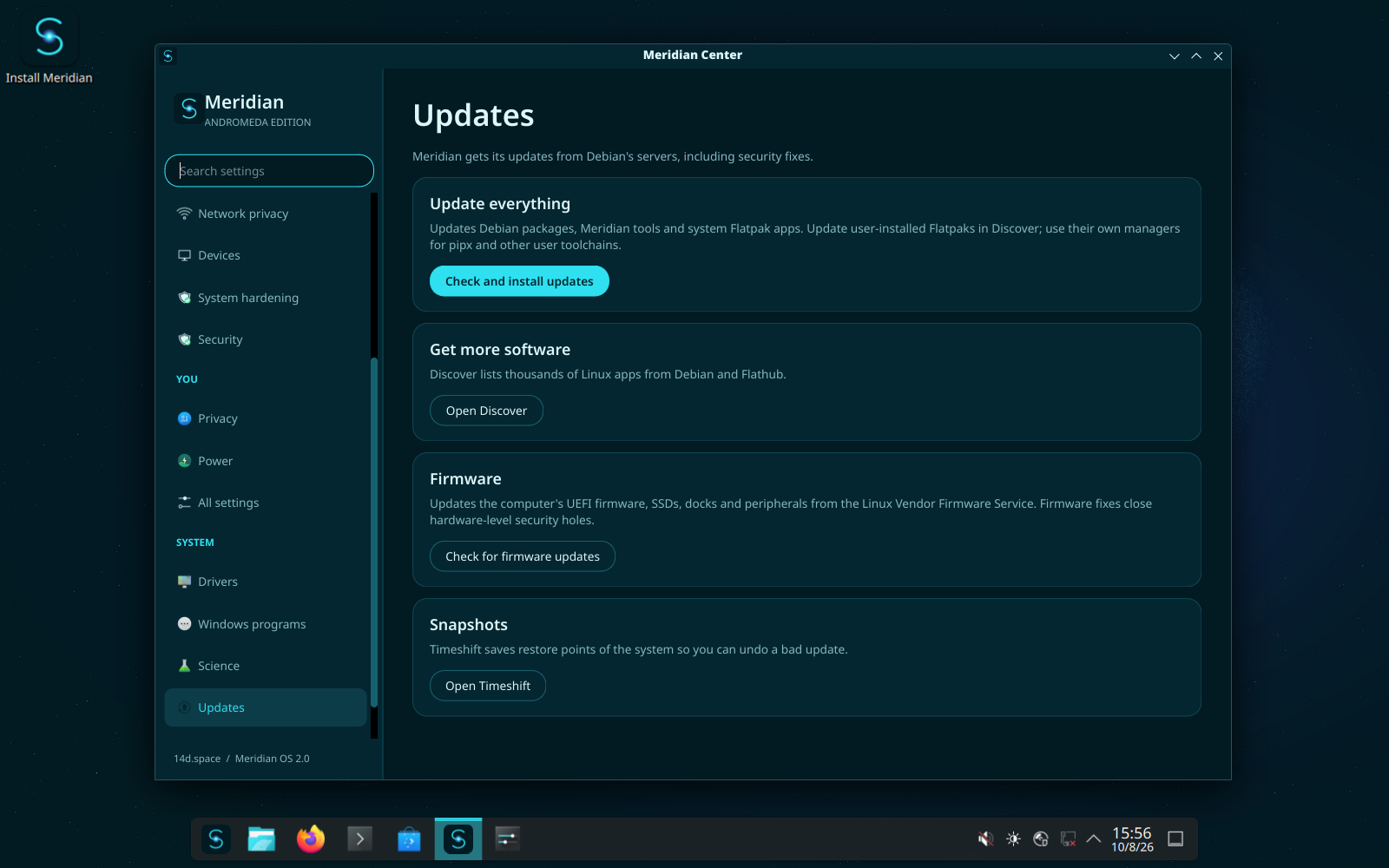
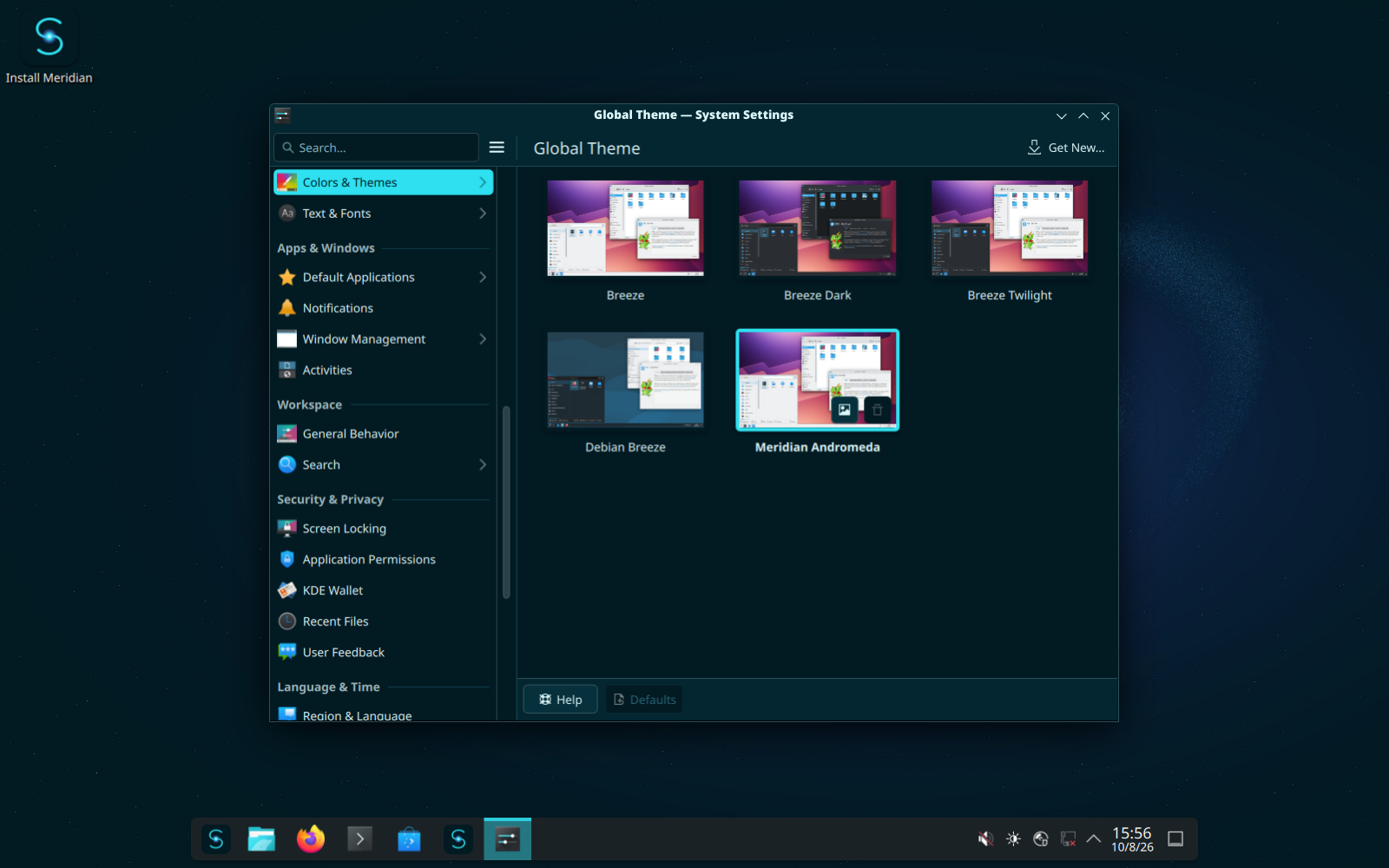
A Debian-based desktop with optional disk encryption, hybrid post-quantum file tools, and Linux and Windows app support.
From €79 one time
Compare Home & ProSee the desktop screenshots ↗Download the 30-day trialMeridian Pi for Raspberry Pi, €29
MERIDIAN ON A RASPBERRY PI◉Meridian Pi
Meridian OS for the Raspberry Pi 5 and 4: the same desktop, Meridian Center and post-quantum tools. Set it up without a screen and use it from any browser on your network, with an optional Meridian kernel and overclocking.
€29 one time · one board
Meet Meridian Pi ↗Raspberry Pi 5, 4, 400 and 500 · its own licence, separate from PC keys
EVERYDAY EXPLORATION◌Andromeda Browser
A focused browser for the everyday web. Explore its features and download the Windows .exe installer.
Free desktop browser
Get the browser ↗See the product page for requirements
GO FURTHER✧Andromeda Universe
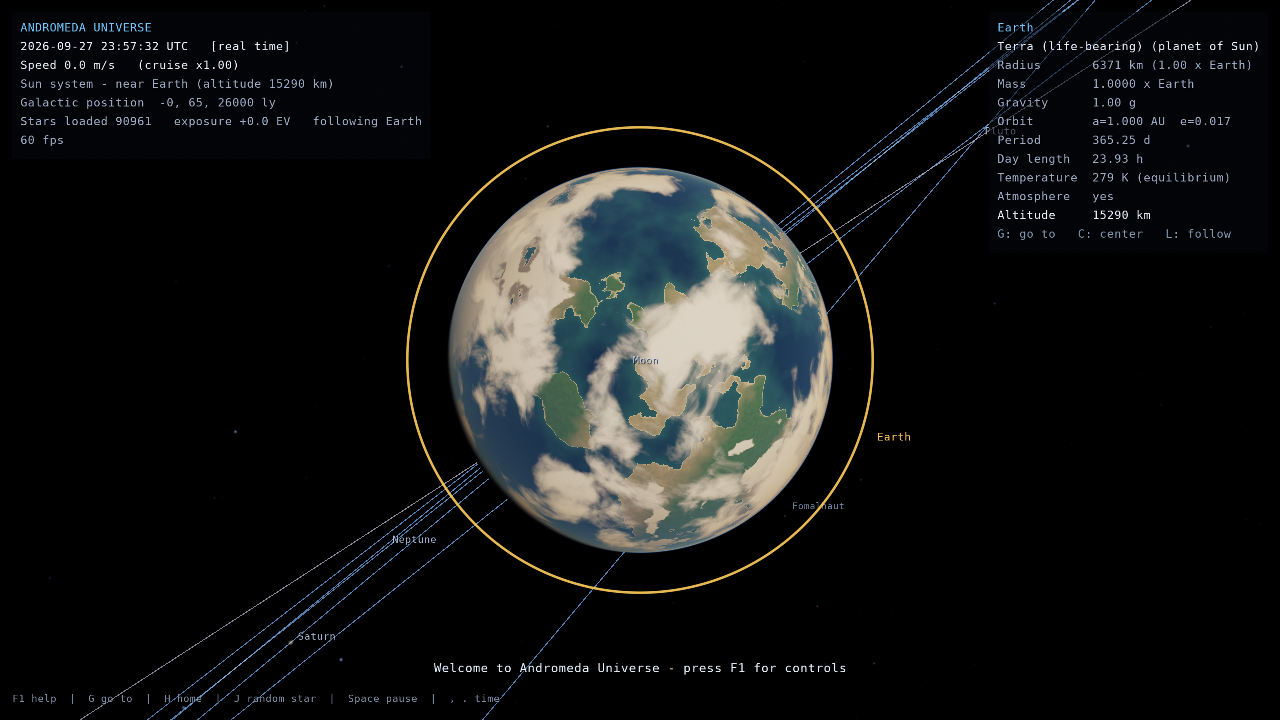
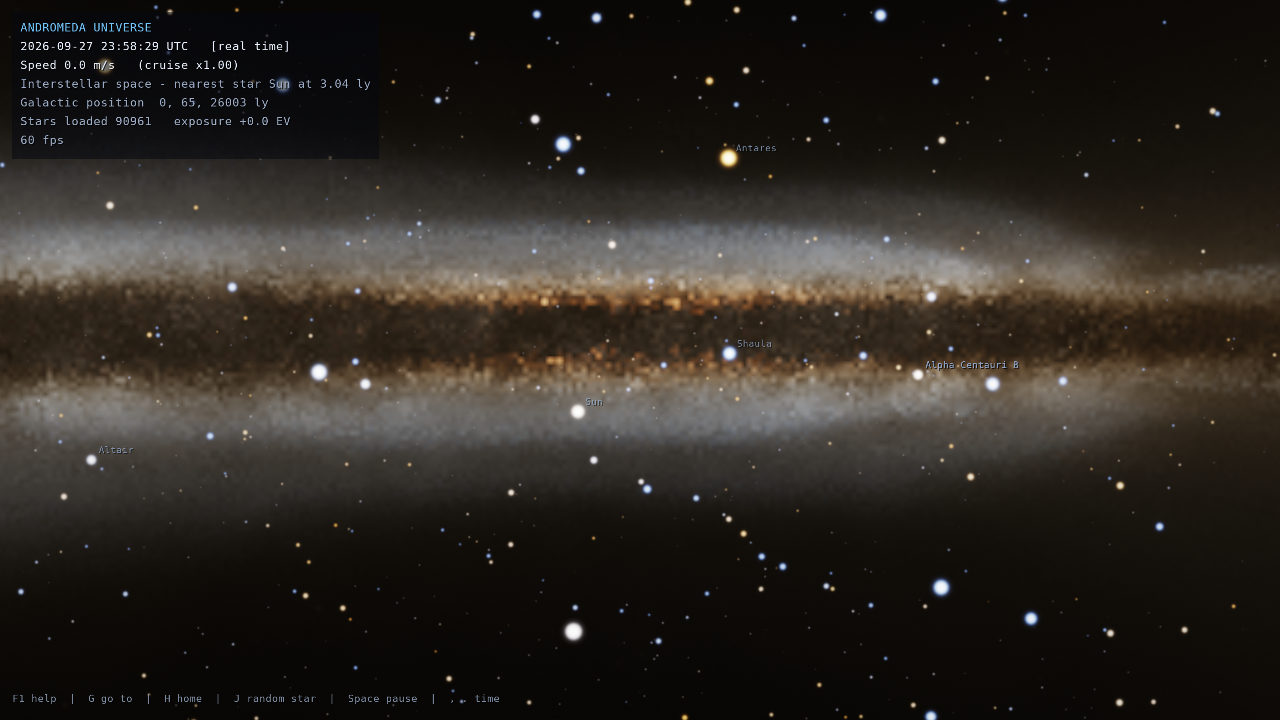
Explore real stars, planets and galaxies in an interactive universe, with astronomical catalogues and detailed planetary maps.
€99 one time · 3 computers
Explore Universe ↗Includes one year of updates
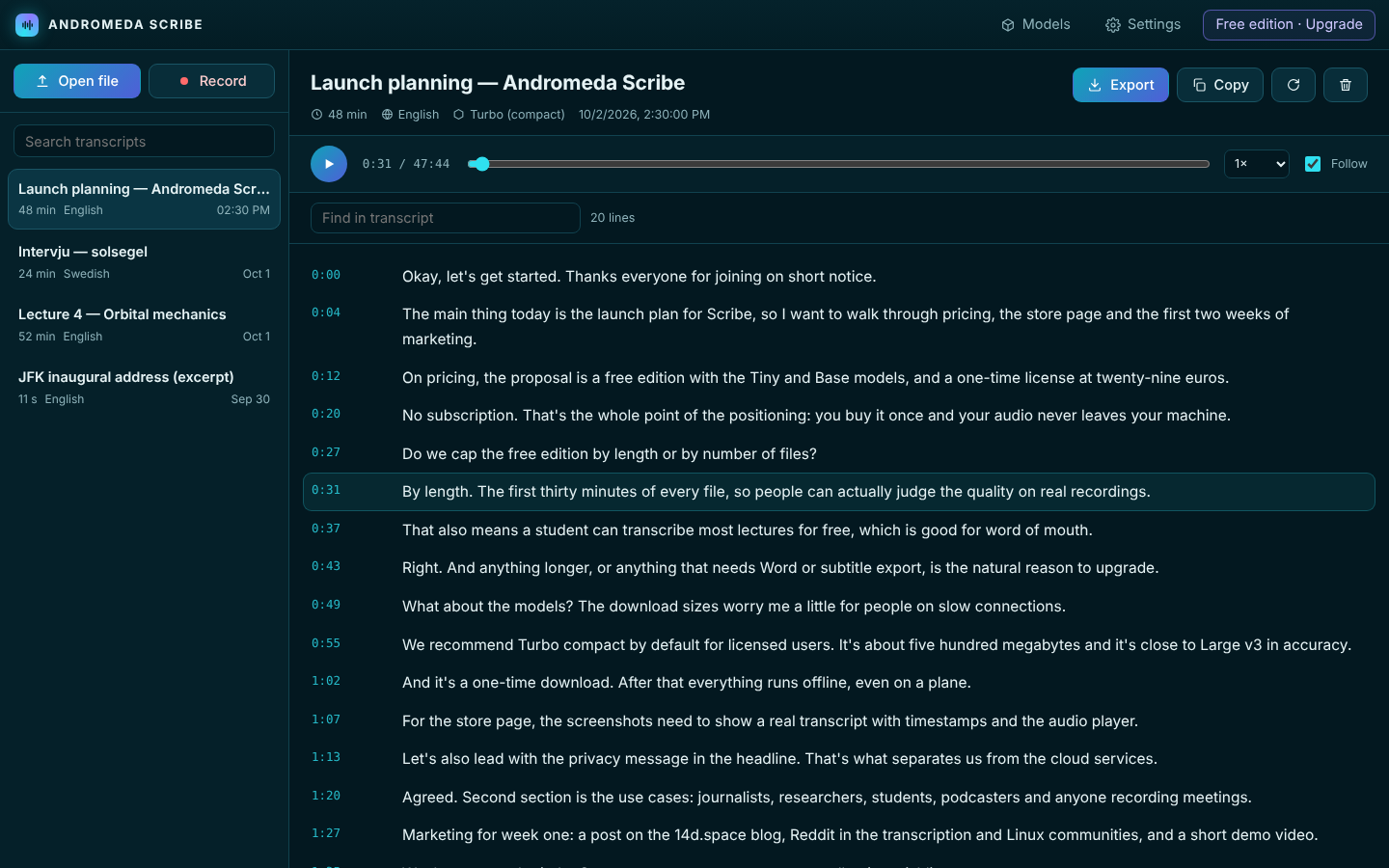
FIND THE WORDS≋Andromeda Scribe
Turn speech into text with local transcription. Keep your workflow on your computer and spend less time taking notes.
€59 one time · 3 computers
Meet Scribe ↗Includes one year of updates
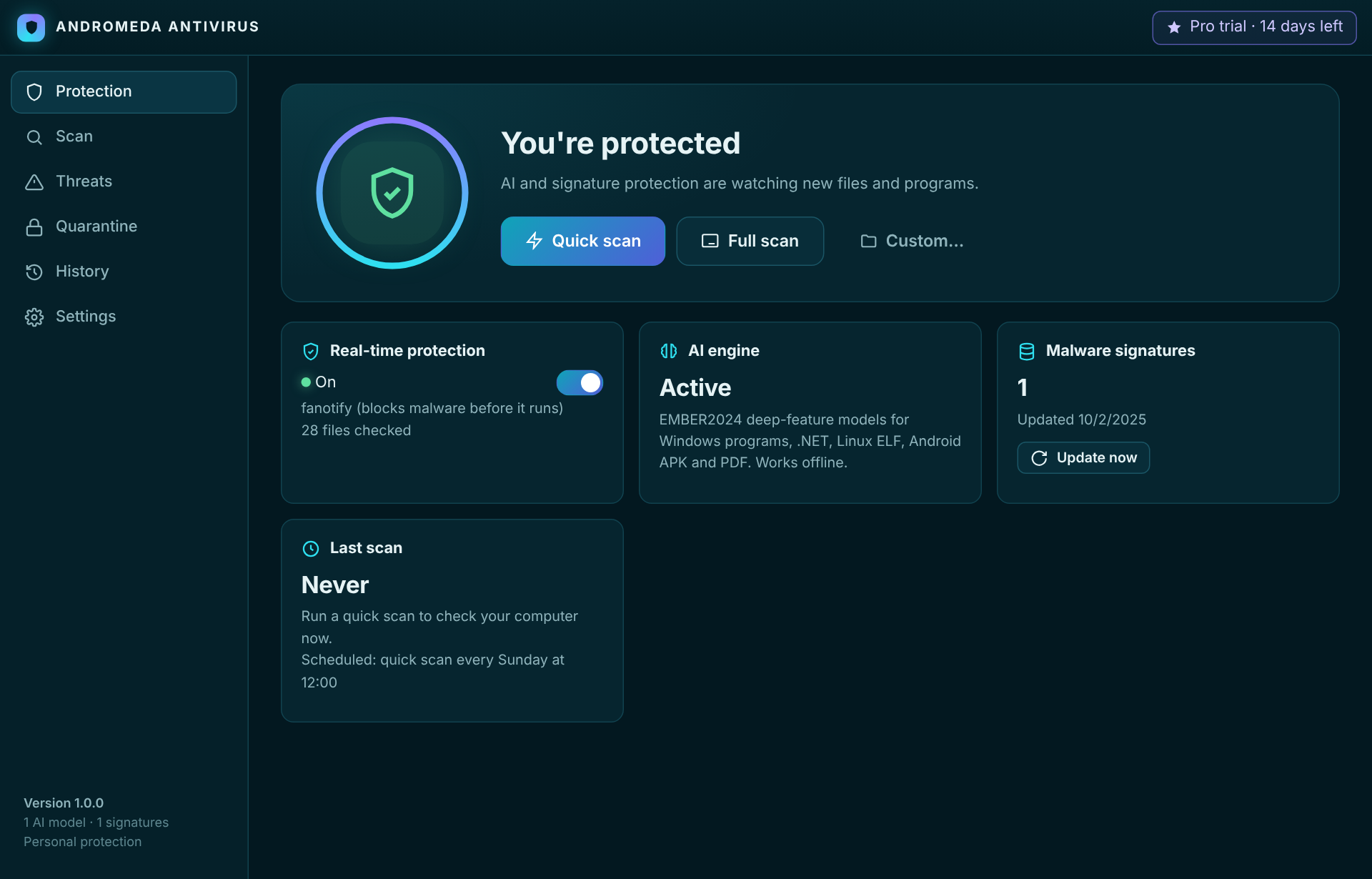
A LITTLE MORE CONFIDENCE⬡Andromeda Antivirus
Scan files and review detections with a desktop security tool. See the product page for supported protection and limitations.
€99 per year · 3 computers
See protection ↗One-year licence term
SMALLER, FASTER AI⬢Andromeda Forge
Distill big models — your own, uploaded, or ChatGPT and Claude — into small fast ones, quantize them to 8-bit, or train new models on tables, images and text, on your own computer.
Free · Pro €299 once
Meet Forge ↗Windows .exe installer · updates itself
POOL YOUR COMPUTERS⊞Andromeda Cluster
Turn your workstations, laptops and GPU boxes into one queue. An offline AI scheduler learns your jobs and packs them onto the fastest machines.
Free · Pro €199 · Premium €599 once
Meet Cluster ↗Windows .exe installer · updates itself
KNOW YOUR NETWORK◈Andromeda Sentinel
See which programs connect to the network, review behavioural risk indicators and explore optional local AI explanations.
Free monitoring · Pro licence available
Monitor free or get Pro ↗Windows .exe installer · updates itself
LIVE FROM ORBIT◎Andromeda Orbit
Track every satellite in orbit on a photoreal 3D Earth from live data, and follow rocket launches in 3D: booster separation, landings, fairings and satellite deployment. Pass predictions for your location. For Windows and Linux.
Free Pro €59 · Premium €139 once
Explore Andromeda Orbit ↗Windows .exe installer, Linux · verified downloads on the product page
BUILD A BRAIN⟁Andromeda Neuro
Simulate spiking neural networks that oscillate like real cortex, train deep nets and watch every neuron learn, and explore a whole fruit-fly-style brain in 3D. Import FlyWire and neuPrint connectomes. For Windows and Linux.
Free Pro €59 · Premium €139 once
Explore Andromeda Neuro ↗Windows .exe installer, Linux · verified downloads on the product page
SEE ATOMS AS THEY REALLY ARE⚛Andromeda Atom
A scientific 3D atom, molecule, particle and quantum lab: electrons as true probability clouds, 118 elements, 40+ real molecules, quarks and gluons at true scale, theory lenses from Bohr to string theory, plus a quantum lab with the double slit, entanglement and a quantum circuit builder. For Windows and Linux.
14-day trial Pro €49 · Premium €99 once
Explore Andromeda Atom ↗Windows .exe installer, Linux .deb/AppImage · verified downloads on the product page
BEND LIGHT. SLOW TIME.◐Andromeda Relativity
An interactive spacetime laboratory: Minkowski diagrams, time dilation and the twin paradox, a relativistic starfield, ray-traced Schwarzschild and Kerr black holes, GPS clocks, gravitational lensing, gravitational waves and cosmology — computed from the real equations. For Windows and Linux.
14-day trial Pro €39 · Premium €79 once
Explore Andromeda Relativity ↗Windows .exe installer, Linux .deb/AppImage · verified downloads on the product page
PLAN REAL MISSIONS.➶Andromeda Mission
A spacecraft mission planner: launch from any site on any vehicle, delta-v budgets, Hohmann and Lambert transfers, porkchop plots and launch windows, gravity-assist sequences and low-thrust spirals — computed from real orbital mechanics and shown in 3D. For Windows and Linux.
Free to start Pro €78 · Premium €178 once
Explore Andromeda Mission ↗Windows .exe installer, Linux .deb/AppImage · verified downloads on the product page
SEE THE AIR MOVE.≋Andromeda Flow
A real-time virtual wind tunnel: lattice-Boltzmann airflow over wings, rockets, cars and your own shapes, with lift, drag and surface-pressure read-outs, angle-of-attack sweeps and a 3D solver. For Windows and Linux.
Free to start Pro €98 · Premium €248 once
Explore Andromeda Flow ↗Windows .exe installer, Linux .deb/AppImage · verified downloads on the product page
RUN A STAR IN A BOTTLE.◎Andromeda Tokamak
A tokamak fusion reactor you operate in 3D: field, current, fuel and heating against real confinement scaling, H-mode, disruptions, divertor heat and the solenoid flux budget — from first plasma to a burning ITER-class pulse. For Windows and Linux.
Free to start Pro €30 · Premium €150 once
Explore Andromeda Tokamak ↗Windows .exe installer, Linux .deb/AppImage · verified downloads on the product page
FIND THE HIGGS YOURSELF.✺Andromeda Hadron
A hadron collider and detector on your desk: LHC machine parameters, Monte Carlo proton–proton collisions, a 3D event display with tracks, calorimeter towers and muon hits, and analyses that pull the Z, the W and the Higgs boson out of the data. For Windows and Linux.
Free to start Pro €30 · Premium €150 once
Explore Andromeda Hadron ↗Windows .exe installer, Linux .deb/AppImage · verified downloads on the product page
FALL INTO A BLACK HOLE.◉Andromeda Horizon
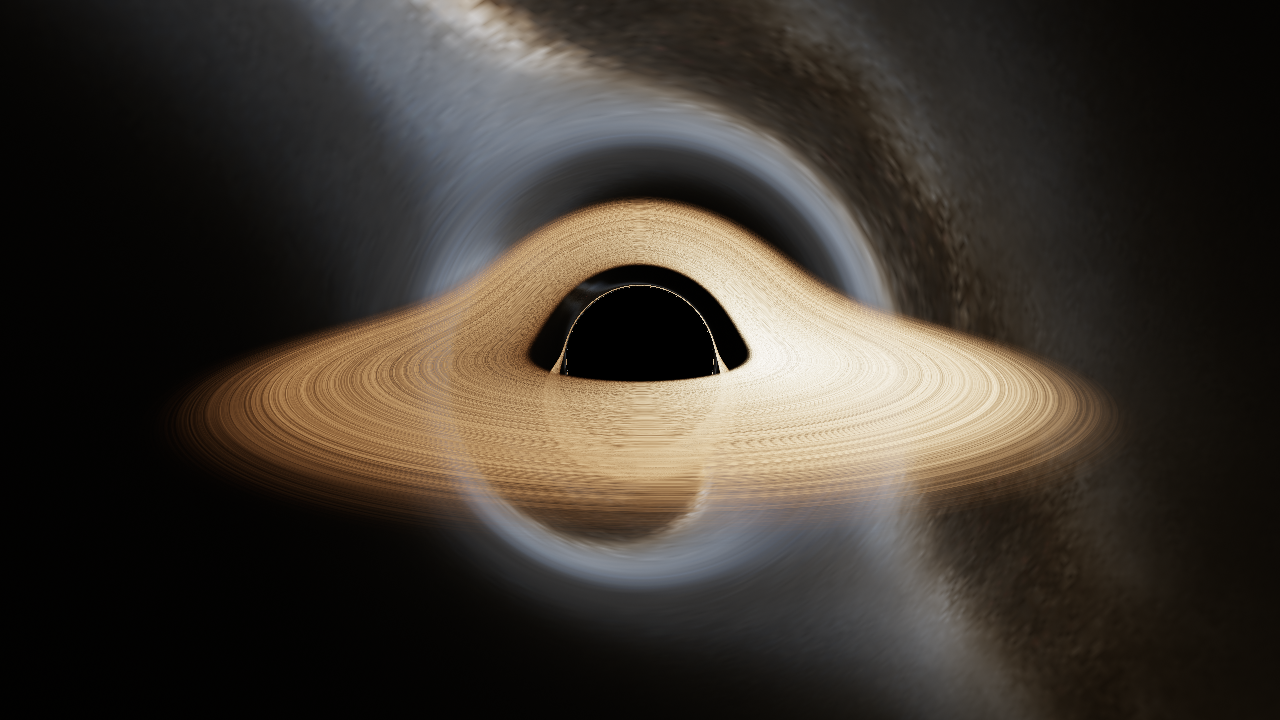
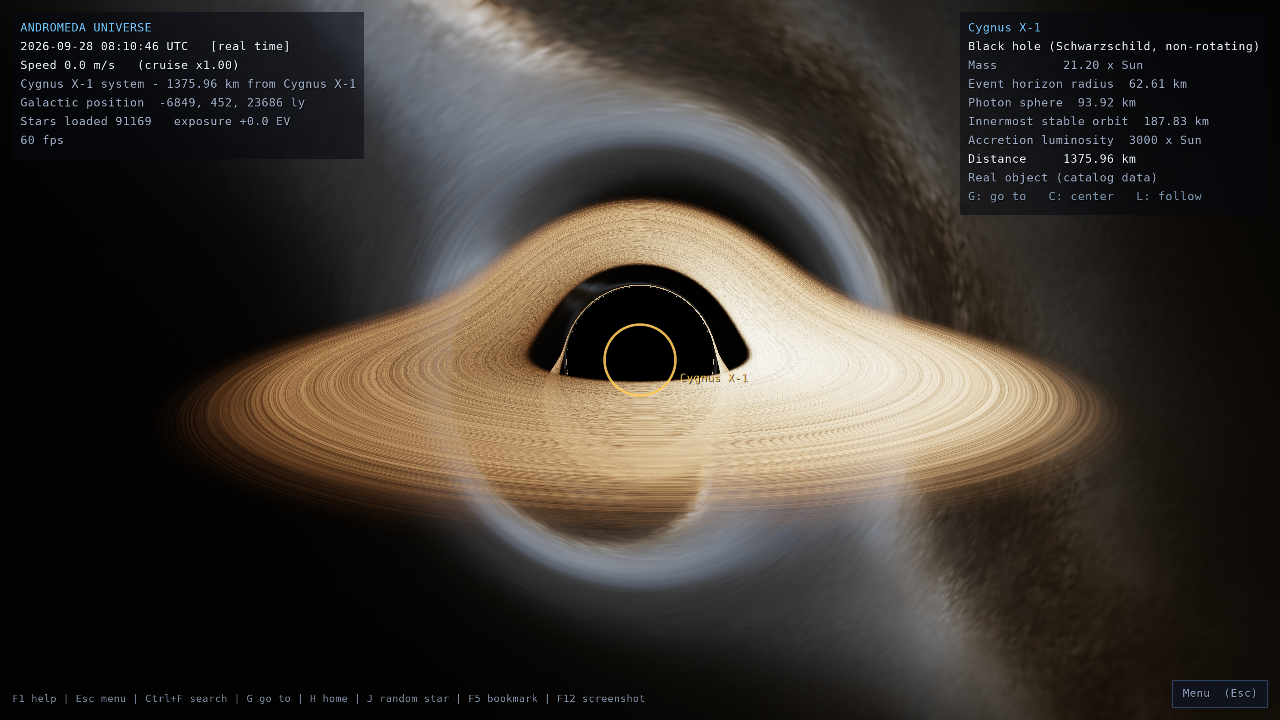
A spinning black hole ray-traced in real time: the shadow, the photon ring and an accretion disk bent over the top by gravity, with Doppler beaming, real black holes from Sagittarius A* to TON 618 and a free-fall plunge towards the event horizon. For Windows and Linux.
Free to start Pro €30 · Premium €150 once
Explore Andromeda Horizon ↗Windows .exe installer, Linux .deb/AppImage · verified downloads on the product page
RUN A HELIUM-3 REACTOR.⊕Andromeda Helium-3
A deuterium–helium-3 fusion reactor in 3D: form the plasma, heat it to a billion degrees, bring it to a self-heated burn and turn the charged fusion products straight into electricity. For Windows and Linux.
Free to start Pro €30 · Premium €150 once
Explore Andromeda Helium-3 ↗Windows .exe installer, Linux .deb/AppImage · verified downloads on the product page
TERRAFORM ANY WORLD.◍Andromeda Terra
A planetary climate and terraforming simulator: the Solar System, 31 real exoplanets and every type of planet in 3D, with seasons, oceans, ice and atmospheres. Warm Mars, shade Venus or thaw a snowball world. For Windows and Linux.
Free to start Pro €30 · Premium €150 once
Explore Andromeda Terra ↗Windows .exe installer, Linux .deb/AppImage · verified downloads on the product page
A FREE GAME.✦Nucleus
A 3D fusion puzzle: release nuclei into a stellar core, fuse matching elements from hydrogen up to iron, keep the core hot and do not let it breach. Campaign, 40 fixed problems, endless and daily modes.
Free no account · no ads
Get Nucleus ↗Free Windows .exe installer
All product prices are in EUR. Any applicable tax is shown at checkout. Review supported platforms and licence terms on each product page before buying.
 Also from Andromeda Aerospace