Questions
Does it replace Windows Defender or my other antivirus?
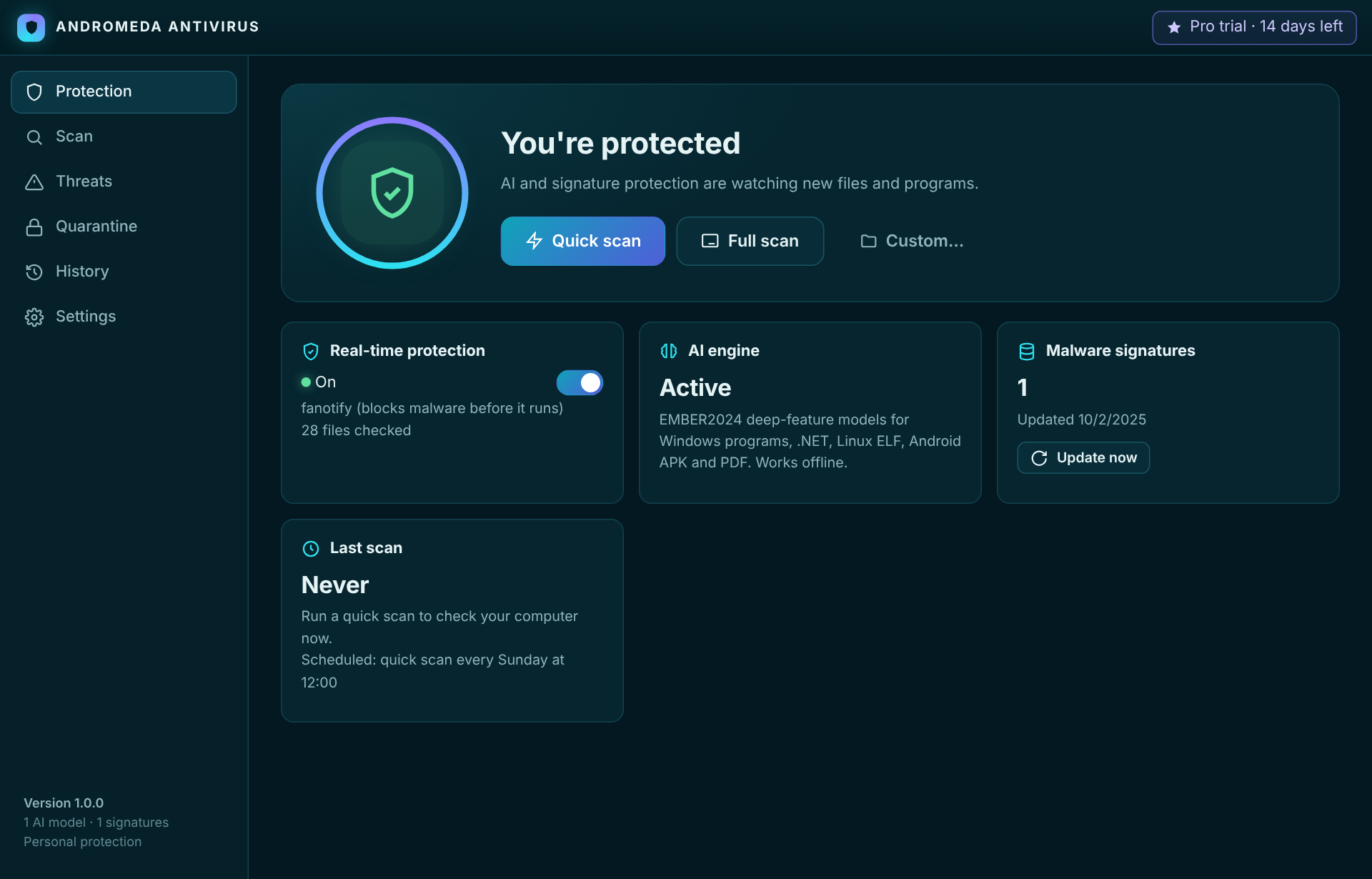
Andromeda Antivirus is a full scanner with real-time protection and its own AI engine, and runs happily as your everyday protection. On Windows it protects your files and quarantines threats as they appear; because Microsoft reserves the deepest execution-blocking hook for drivers that pass its hardware-lab certification, we recommend leaving Defender's core on as well — the two coexist. On Linux it runs as a root service and blocks malware before it opens. You should only ever run one real-time engine blocking at the kernel level at a time.
How is this different from a normal antivirus?
Most of the detection is done by a machine-learning model that is bundled inside the app, so it can flag brand-new malware it has never seen a signature for — and it does this without uploading your files anywhere. Traditional signatures are included too, for instant detection of known threats.
Is anything uploaded to the cloud?
No. The AI model ships inside the download and runs locally. The internet is only used to activate a license and to fetch signature updates.
How do I install it?
Windows: download and run the installer (AndromedaAntivirus-setup.exe). It installs the app, adds a Start-menu shortcut and switches on real-time protection. SmartScreen may ask on first launch — choose "More info → Run anyway". Linux: download the .deb and install it (sudo apt install ./AndromedaAntivirus*.deb), which also sets up the protection service. Not on Debian/Ubuntu? Use the universal .run installer.
Will it slow my computer down?
Scans run at a low priority and the real-time check is lightweight. A full-system scan uses more while it runs; quick scans and real-time protection stay out of your way.
What about false positives?
Any AI engine occasionally flags a clean file. Anything quarantined can be restored with one click from the Quarantine page, and the file is kept safely (scrambled, so it can't run) until you decide.
What do I need to run it?
A 64-bit PC with Windows 10/11 or a modern Linux desktop (WebKitGTK 4.1 for the window; the scanner also runs from the terminal). A processor from roughly 2015 or newer and 4 GB of RAM are plenty.
How do I pay, and is it a subscription?
Pro is a yearly license through Stripe (cards, Apple Pay, Google Pay). It covers up to 3 computers and a year of updates. We don't auto-charge your card — you renew when you choose, from inside the app or the website.